Coming to iPhone
Your emergency plan, ready before you need it.
SaveMeNow is being built so one phrase brings up the local emergency number, ready to call, in 56 countries and shows the people you choose where you are, only during the emergency. Made for travelling alone.
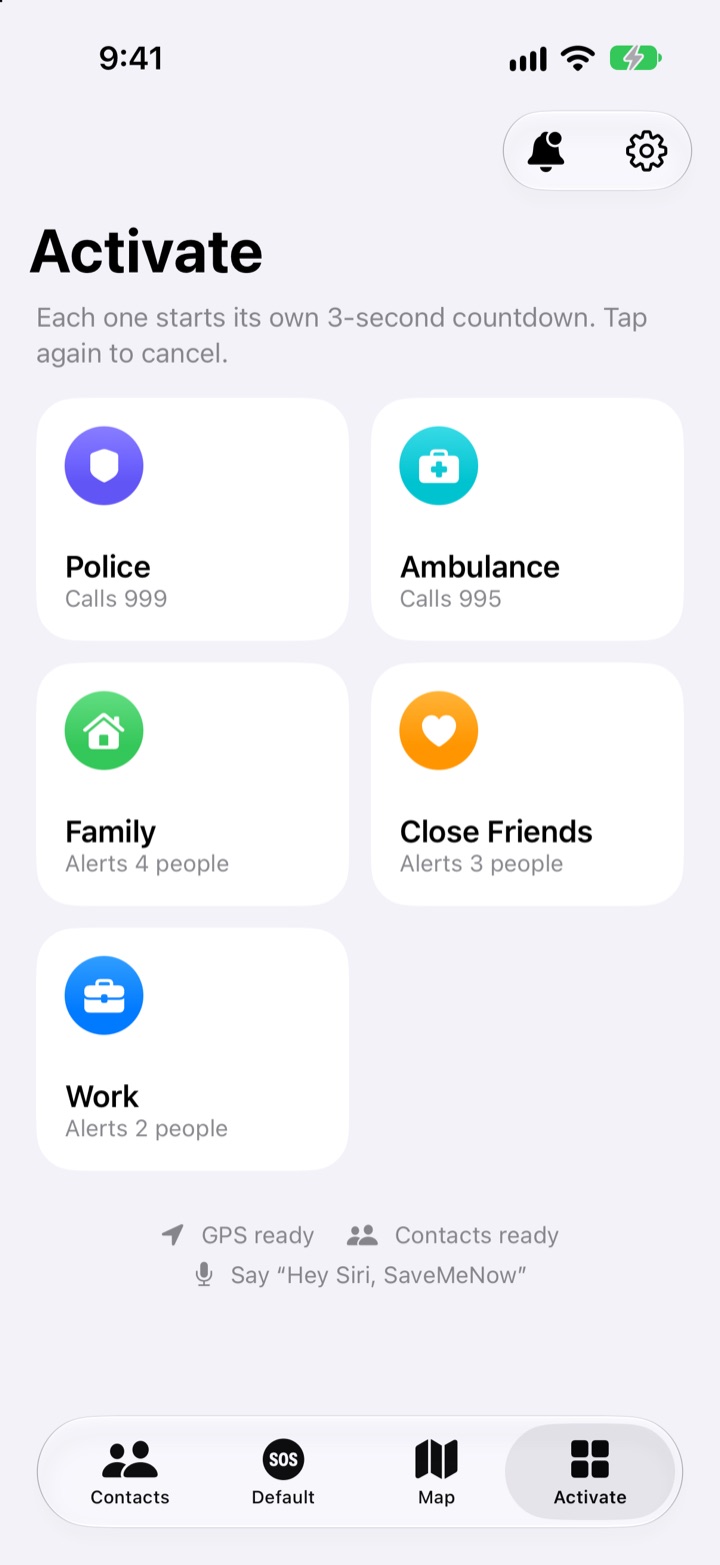
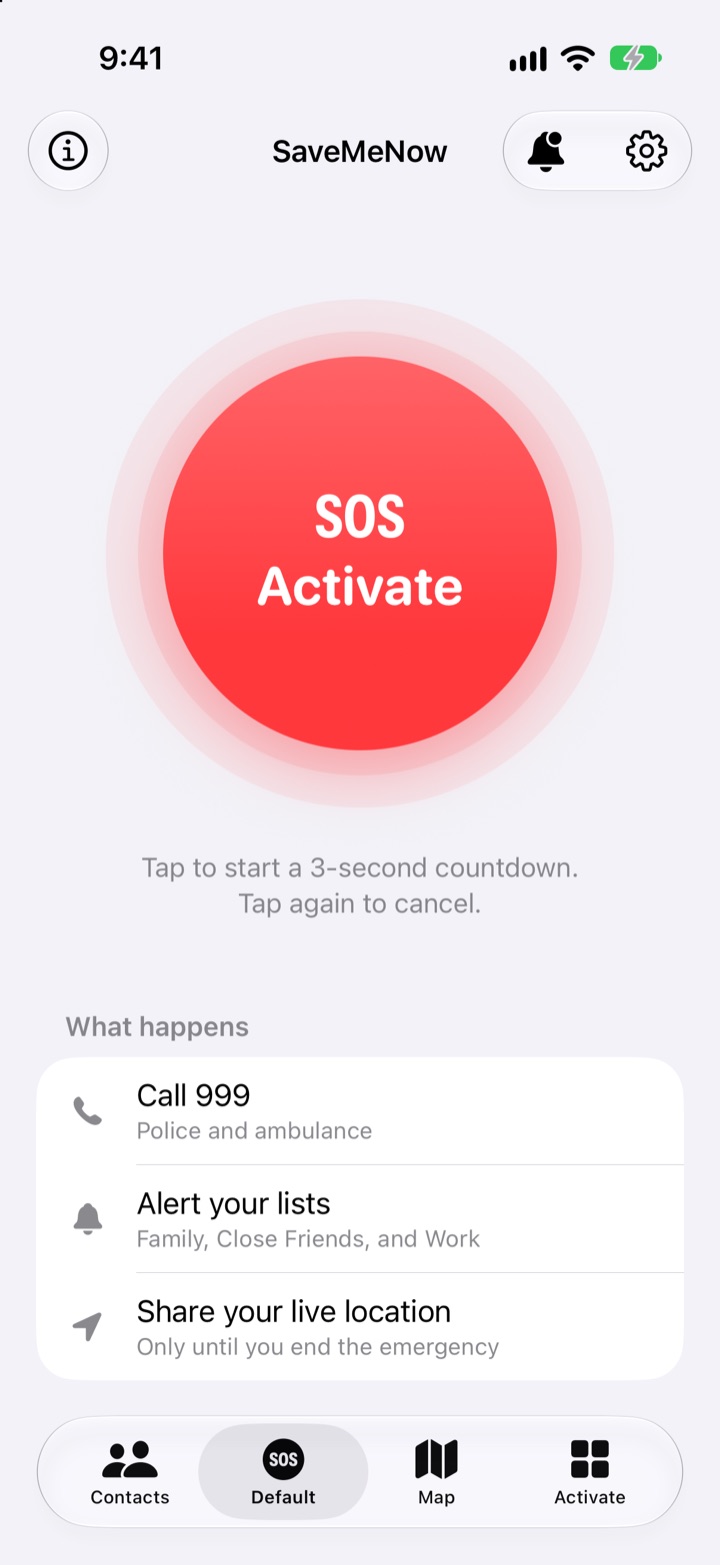
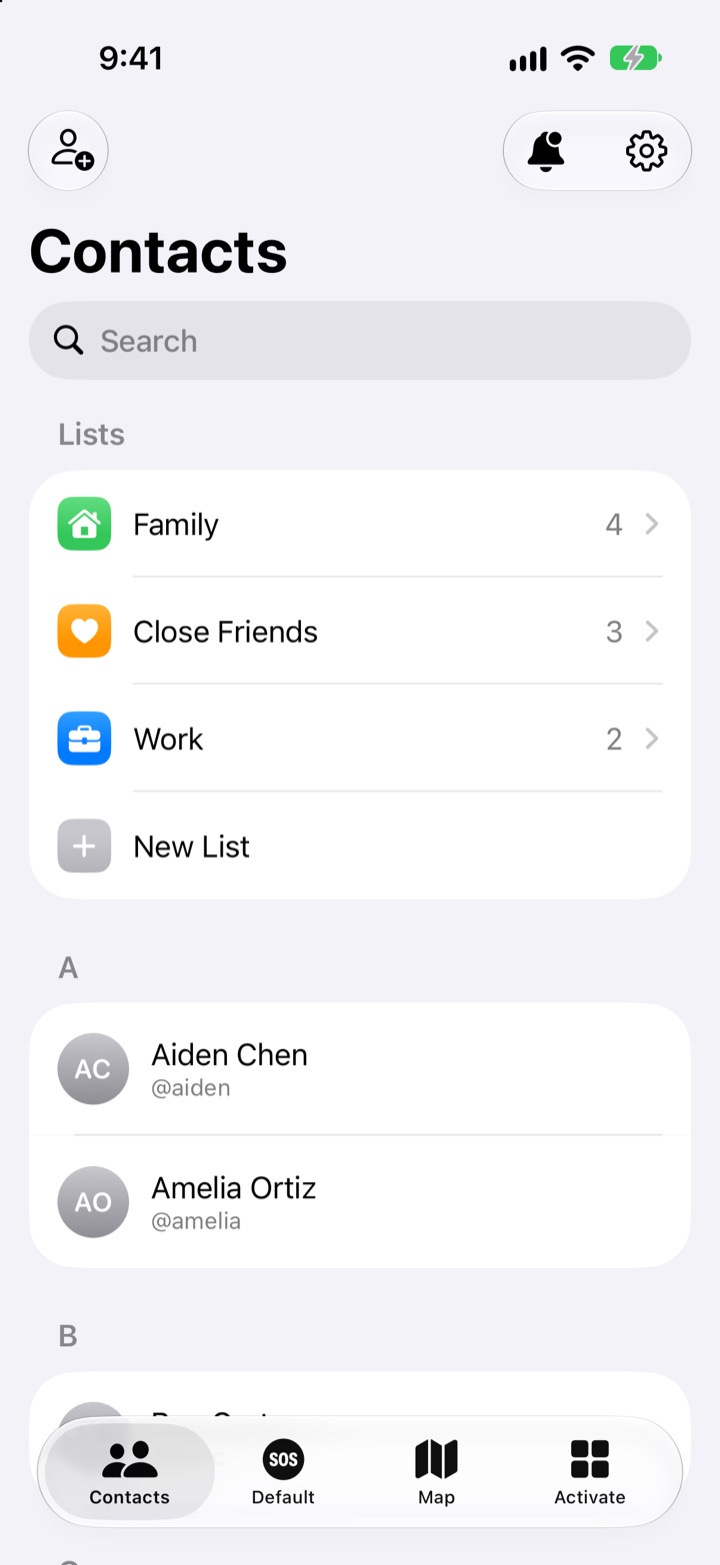
One tap. Three seconds to cancel.
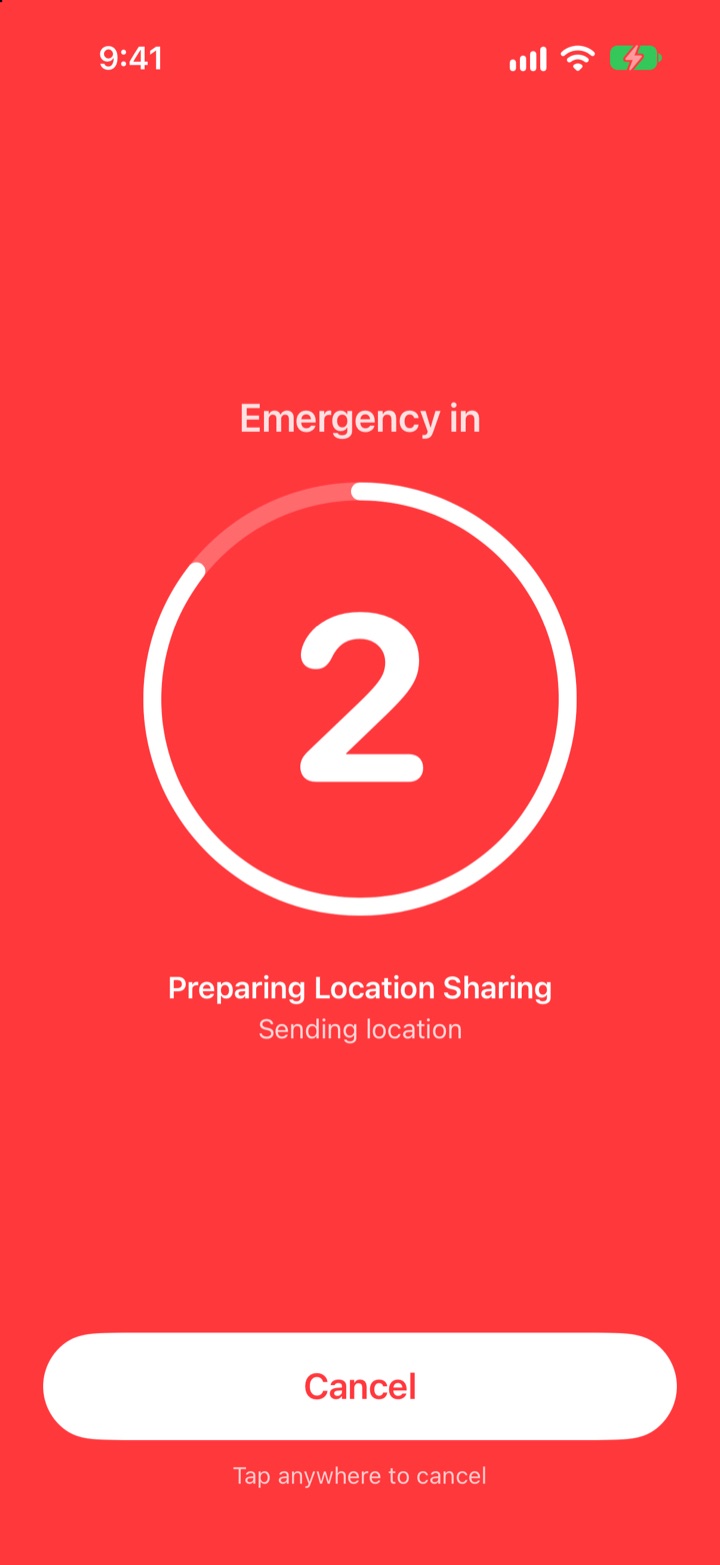
A countdown starts. Tap again to stop it if you triggered it by accident. Then SaveMeNow brings up the local emergency number, ready to call, and alerts your lists with your live location.
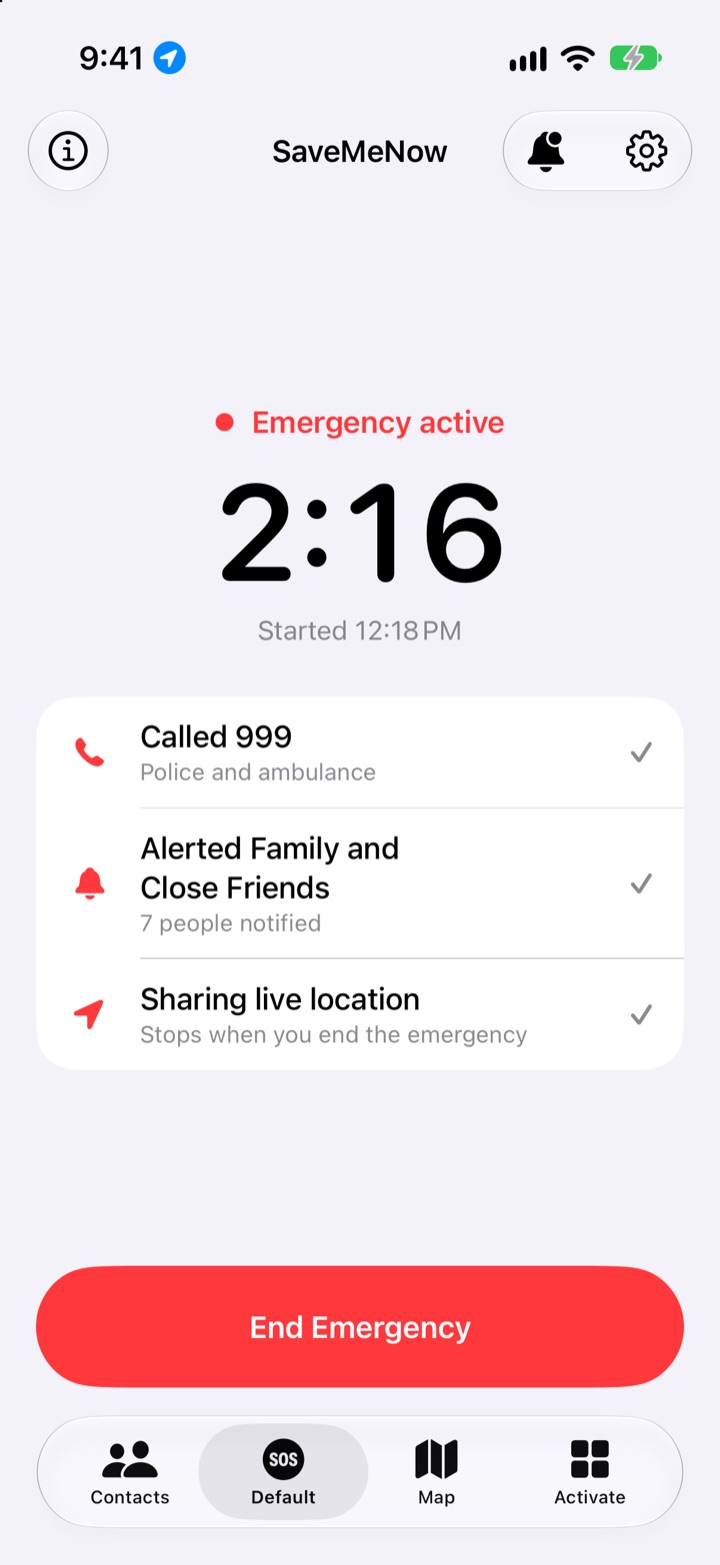
Every decision made beforehand. None under stress.
- 1
Set it up once
Choose who gets alerted (Family, Travel buddies, Work) and add your medical info: blood type, allergies, medication.
- 2
Say the phrase or tap the widget
“Hey Siri, start SaveMeNow”, the lock-screen widget or the big red button. No menus, no choices.
- 3
Three seconds to cancel
A countdown starts. Tap again to stop it if you triggered it by accident.
- 4
The call, plus your people
SaveMeNow brings up the local emergency number, ready to call, and alerts your lists with your live location.
Quiet until it matters.
Everything on screen stays grey and still, except the one control that gets you help. Light or dark, there is nothing to misread.
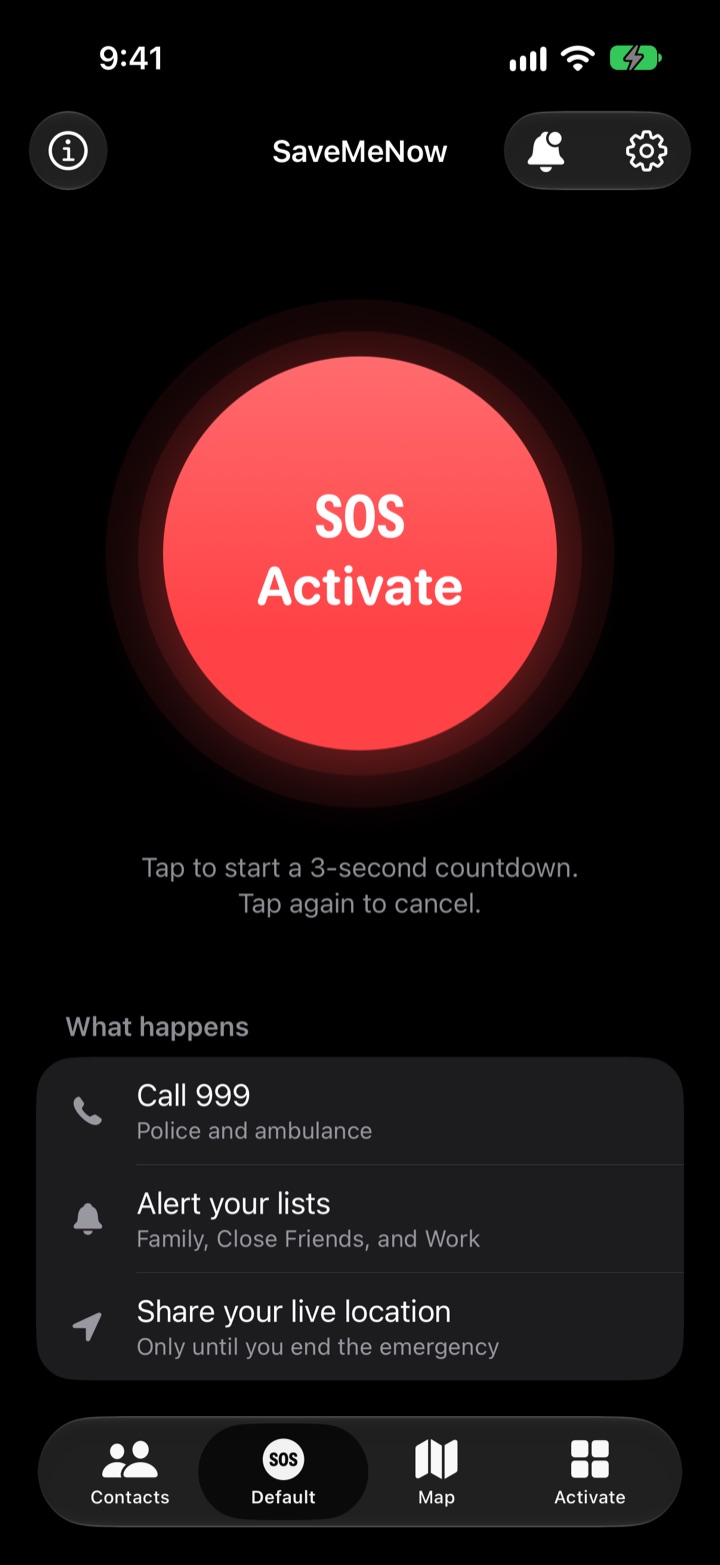
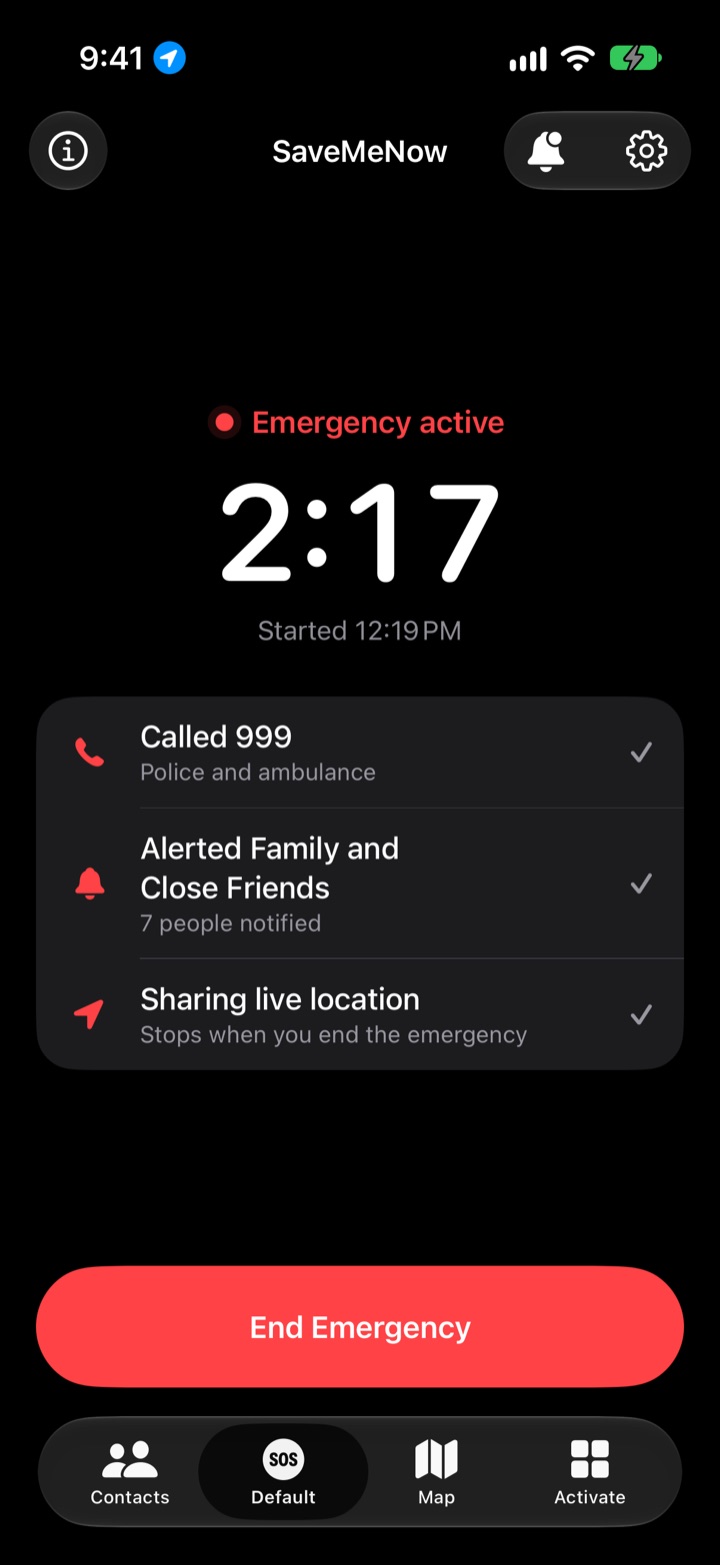
110 in Tokyo. 1669 in Bangkok. You don't have to remember.
SaveMeNow picks the right police and ambulance number for the country you're in. Look up the numbers it uses before your trip, and save them anyway.
All 56 countries ›Tracks nothing until you ask it to.
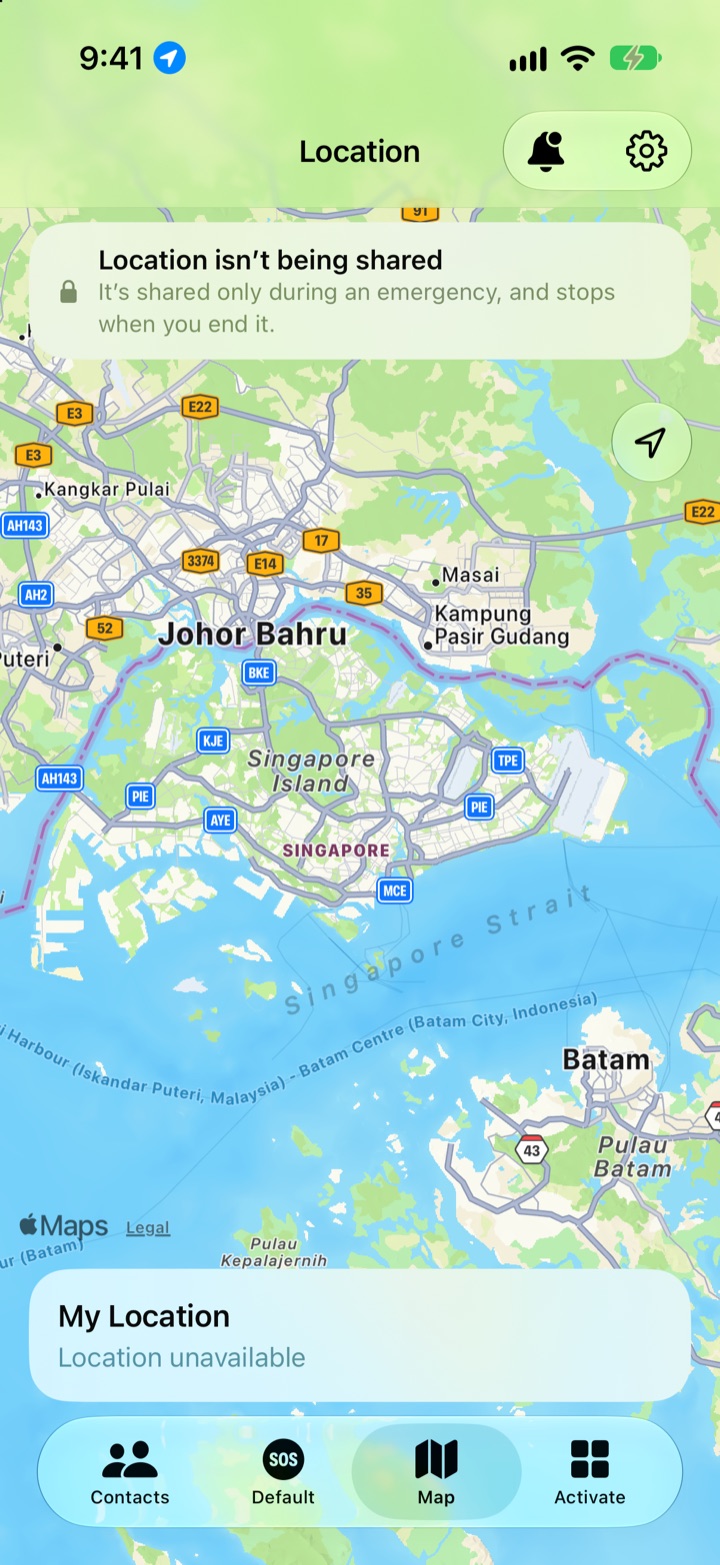
- No location until you trigger it. No always-on tracking, no “my parents can see me 24/7”.
- Sharing stops when the emergency ends. The people you alert stop seeing your location the moment you end it.
- Where your data lives. Your lists and medical info are kept in your SaveMeNow account so they're ready on your phone, and are never sold or used for ads.
SaveMeNow vs. iPhone Emergency SOS
Emergency SOS already dials the local number. We build everything around the call.
Questions
Does it work without data?+
No. Alerting your lists and sharing your location need a mobile data or Wi‑Fi connection. If you have no connection, call the local emergency number directly.
What if I trigger it by accident?+
Every activation starts a 3-second countdown. Tap again during the countdown and nothing happens.
Which countries?+
The app knows the police and ambulance numbers for 56 countries today. See the full list on the emergency numbers page.
Is it free?+
Yes, SaveMeNow is free at launch.
When can I use it?+
SaveMeNow is coming to iPhone. Join the waitlist and we’ll email you when the TestFlight beta opens.
Be first to try it.
Join the TestFlight waitlist. We'll send one email when the beta opens.